
CrimeRadar: Dispatch Alerts review
 Analysis by GetAllApps
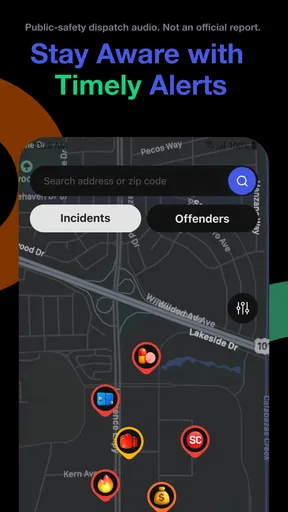
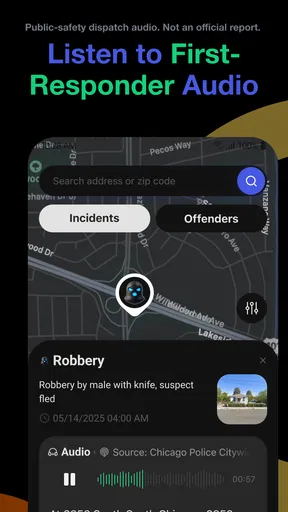
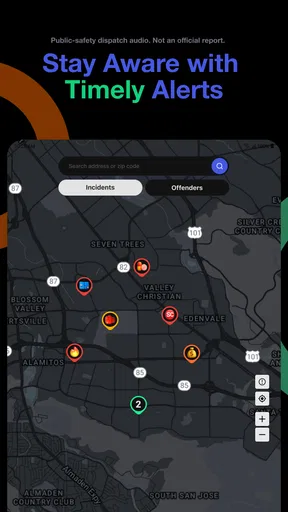
I would consider CrimeRadar: Dispatch Alerts when I want a local safety view that is more immediate than a conventional news feed. Its focus is the combination of a map and alerts tied to live first-responder radio, which makes it a different kind of news app: the point is not simply to catch up on headlines, but to stay aware of activity around an area that matters to me. That focus is useful, though it also means the app is not a substitute for emergency services or a guarantee that every incident will appear.
What I would want from a local safety app
Before choosing a tool like this, I would ask what I need it to do. If I mainly want background on a developing story, a local newspaper or a general news app is usually a better fit. If my concern is understanding what may be happening nearby in the moment, a map paired with dispatch-related alerts has a clearer purpose. CrimeRadar is built for that second need.
That distinction matters because a safety map can invite constant checking. I would use it to answer a practical question—whether activity is close enough to affect a route, a pickup, or plans at home—not as a running scorecard of every call in a city. Alerts can provide useful awareness, but they do not explain the full context of an incident, establish what happened, or tell me what action is safest in every situation.
The app is in the news and magazines category, but I would judge it less like a traditional news reader and more like a local-awareness tool. Its usefulness depends on whether its dispatch-based view is relevant to the places I care about. Someone who rarely needs neighborhood-level updates may get more value from a standard local news source, while a person who regularly travels around town may appreciate having a map-oriented option.
Where its dispatch-and-map approach helps
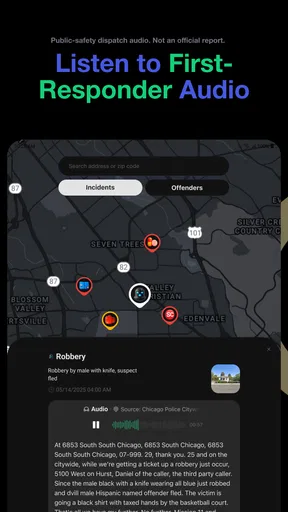
The strongest reason to try CrimeRadar is that it brings two kinds of awareness together: a geographic view and alerts associated with live first-responder radio. In practice, I would check the map when I need spatial context, then use an alert as a prompt to pay attention rather than as a complete report. That is a more sensible workflow than treating a brief notification as verified, settled news.
A realistic use case is planning an evening drive across town. I might glance at the map before leaving, notice an alert near a route I was considering, and choose a different road or allow extra time. The app can help me decide to check conditions, but it should not be the sole basis for a risky detour or an assumption about what responders are doing. I would keep ordinary navigation and official safety guidance available for those decisions.
A less obvious benefit of a map-based format is that it can make distance easier to reason about than a stream of alerts. A notification without location context can sound urgent even when it concerns a place far from my routine. Conversely, a map can help me recognize that an item is near a school pickup, a workplace, or a route I use often. I would set a personal threshold for what deserves attention instead of reacting to every update.
Another useful habit is to treat alerts as a reason to pause, not a reason to investigate. If something appears close by, I would avoid driving toward it, sharing unconfirmed details, or approaching a scene to satisfy curiosity. The app’s value is in awareness and planning; that value is lost if a user turns an alert into an invitation to interfere with an emergency response.
There is also a trade-off in the source of the information. Live first-responder radio can make updates feel more immediate than a polished article, but dispatch-related material is not the same as a fully checked news report. Details may be brief or difficult to interpret without context. I would wait for reliable confirmation before repeating an allegation or drawing conclusions about people involved.
Who is likely to get the most from it
I can see CrimeRadar being most useful for people whose day involves moving between neighborhoods: commuters, caregivers coordinating pickups, or residents who want a quick situational check before heading out. It may also suit someone who follows local activity closely and prefers looking at a map rather than reading a long sequence of general headlines. Those are practical reasons to keep a safety-focused app alongside, rather than instead of, broader news sources.
It is less compelling for readers who want detailed reporting, verified explanations, or a broad mix of national and international coverage. A dispatch alert is not a replacement for a reporter’s account, and a safety map is not a complete picture of community conditions. If I were seeking policy analysis, background on crime trends, or a carefully updated account of an incident, I would turn to established local reporting and official public information instead.
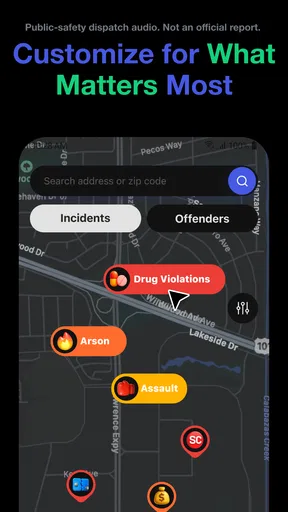
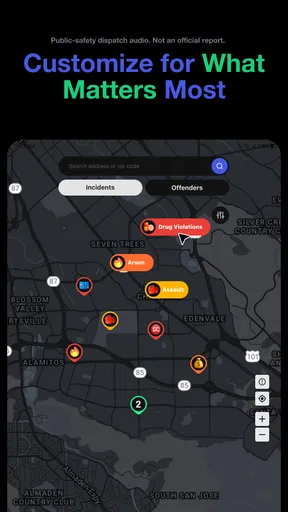
I would also think carefully about how often I want to receive safety notifications. People who find alerts stressful or distracting may prefer to check a map only when they have a concrete reason, if the app’s available controls suit that approach. The important question is not whether more alerts are always better, but whether the information helps me make calmer, more informed choices.
How it compares with familiar alternatives
Compared with a general news app, CrimeRadar is narrower and more immediate in purpose. A news reader is usually better for context, editorial explanation, and stories beyond one’s immediate surroundings. CrimeRadar’s appeal is the local, map-centered view and dispatch-related alerts. I would not ask either kind of app to do the other’s job: one helps me follow reporting, while the other is oriented toward awareness of nearby activity.
Compared with a neighborhood discussion feed, this approach may be more useful when I want a location-focused signal rather than a thread of personal accounts. Community posts can offer firsthand observations, but they can also mix speculation with fact. Dispatch-based alerts have a different character, yet they still need interpretation and should not be treated as a complete incident record. For important decisions, I would cross-check through appropriate official or reliable news sources.
Compared with a dedicated navigation app, CrimeRadar addresses a different question. Navigation is designed to guide a trip; a safety map is about awareness of activity. I would not assume that a safety alert automatically identifies the best route around a location, or that it reflects current road conditions. If route guidance is the priority, a navigation tool remains the better choice; CrimeRadar can inform my awareness without taking over that role.
That category distinction is the main decision point. If I want one app to deliver every kind of local information, this is not the right expectation. If I want a focused companion for checking nearby activity and pairing alerts with map context, its narrower scope is an advantage rather than a flaw.
Getting started and deciding whether to keep it
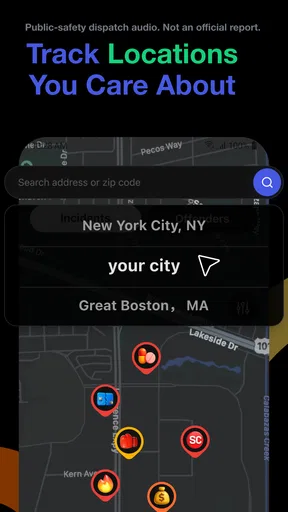
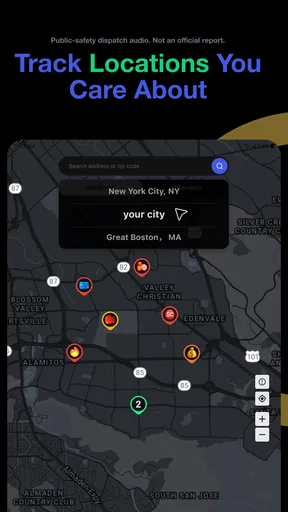
Because the app’s value is tied to local relevance, I would judge it in the places where I actually spend time, not just by opening it once at home. I would check whether the map and alerts are useful around my usual routes and destinations, then decide whether the information changes any practical choices. A tool can feel active without being helpful; the test is whether it gives me context I would otherwise lack.
I would also avoid building a routine around constant monitoring. A quick check before a journey or when an alert affects a place I know is more likely to be useful than repeatedly refreshing a feed. This keeps the app in a supporting role and reduces the chance that brief, incomplete updates become a source of unnecessary worry.
CrimeRadar is free to download, with in-app purchases listed from five cents to just under eighty dollars per item. I would treat that as a reason to review any purchase prompts carefully, not as a reason to assume a purchase is necessary for basic use. The app is published by Scoopz LLC, has an Everyone content rating, and its current version is 26.42.1; the minimum operating-system requirement is version 8.0.
Its public reception is strong: it has a 4.8 average from around fifty thousand ratings, with roughly six thousand six hundred written reviews, and has passed one million installs. Those figures suggest that many people have tried it, but they cannot tell me whether its local coverage will be useful for my routine. I would still make that decision based on the places I need to monitor and how comfortable I am using dispatch-related information.
The app was released on May 22, 2025. For someone choosing between it and a broad news reader, the key distinction is not which one is universally better; it is whether map-based awareness is a regular need. If I only want occasional headlines, another category of app will probably serve me better. If I often want to check what may be happening around a route or neighborhood, CrimeRadar has a more specific reason to be on my phone.
My recommendation
I would recommend CrimeRadar: Dispatch Alerts to people who want a focused way to keep an eye on local activity and can treat alerts as prompts for awareness rather than confirmed conclusions. The map-and-dispatch combination gives it a clear role that a standard news feed does not fill, especially when I need to think about nearby places and everyday plans.
I would skip it if I wanted detailed journalism, comprehensive emergency guidance, or a replacement for navigation. I would also be cautious if frequent incident alerts would make me anxious or tempt me to act on incomplete information. Used selectively and with sensible cross-checking, it can be a useful local companion; used as an all-purpose source of truth, it asks more of the information than it can reasonably provide.
Pros and cons
Pros
- Offers location-based alerts about reported incidents nearby.
- Helps users stay informed about local public safety activity.
- Can support awareness when planning routes or outings.
- Presents incident information in a focused alert format.
- Useful for residents who want updates beyond local news.
Cons
- Alert coverage may vary depending on location.
- Incident reports may not be confirmed by authorities.
- Frequent notifications can become distracting.
- Location access may be needed for nearby alerts.
- Alerts do not replace emergency services or official guidance.


